Reception has limits
Vessels may not transmit AIS, and transmissions may be missed or become old. Check the status of each target.
AVG1
AVG1 is an optional onboard source of positioning and received AIS information for FJD Marina App. Keep your familiar app view while adding data from the boat.
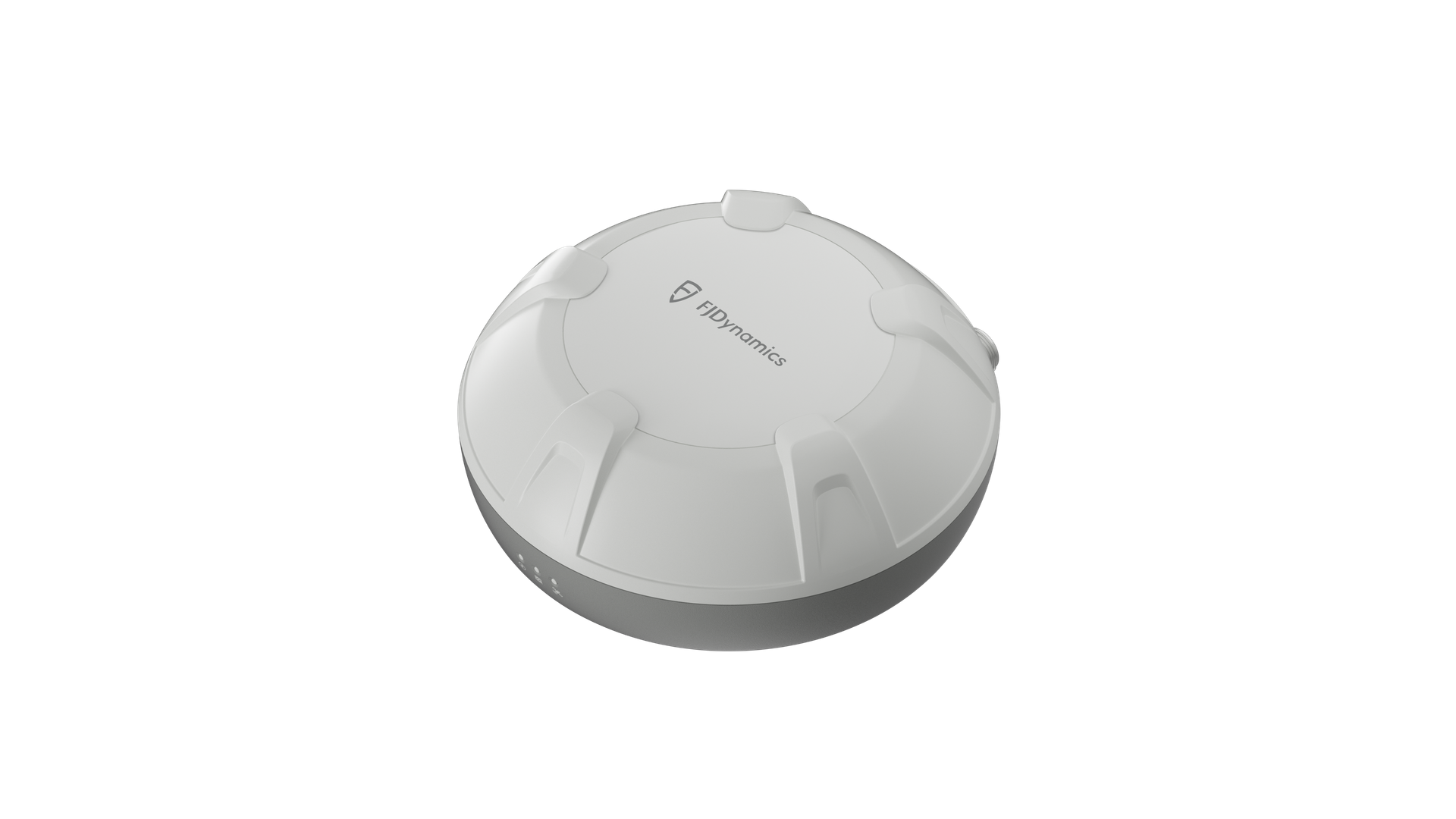
Use AVG1 as an onboard position source when connected and selected in FJD Marina App.
View information from the AIS broadcasts AVG1 receives, alongside your own position.
Connect to FJD Marina App and confirm that the data you need is current.
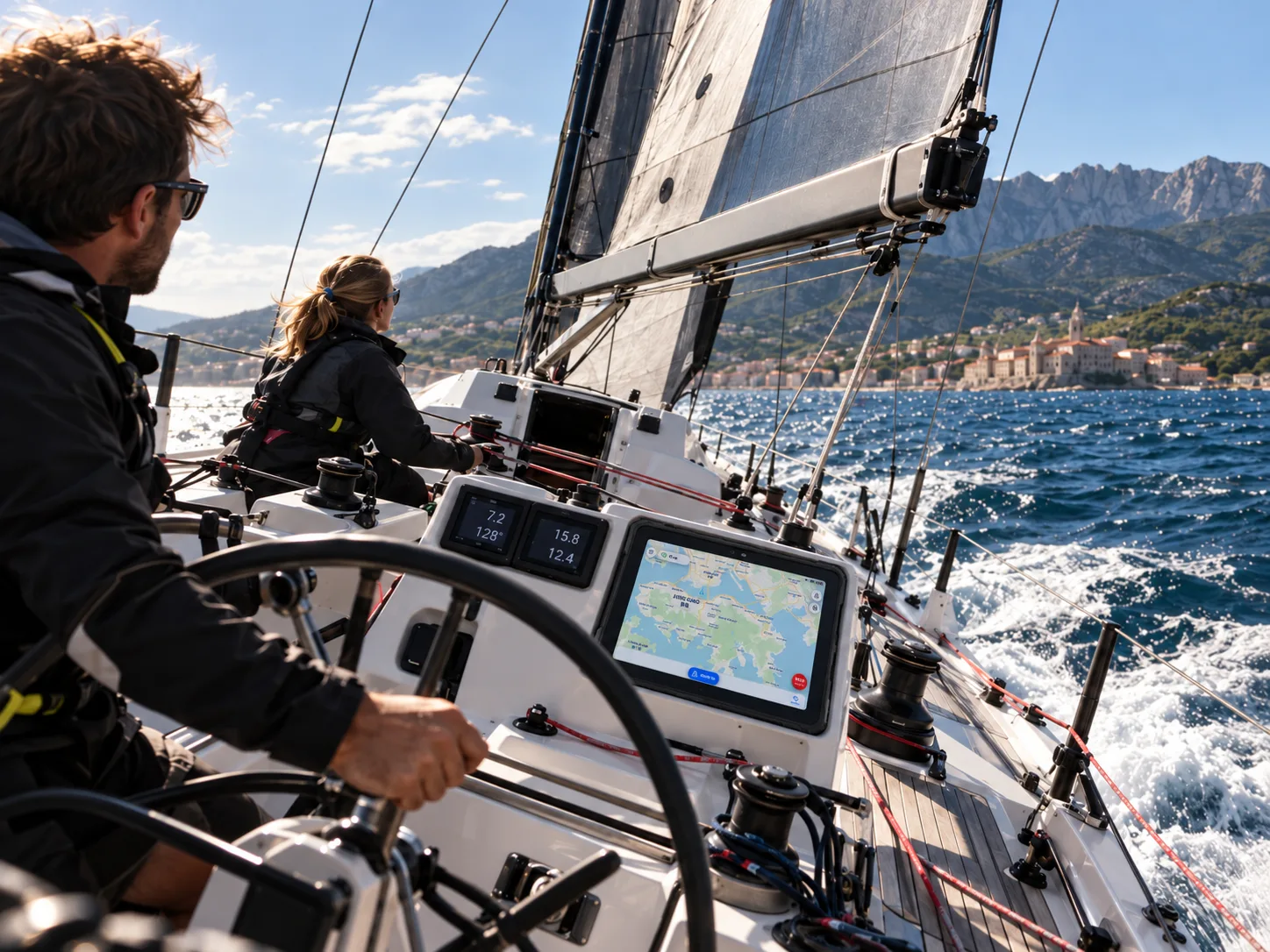
From boat to App
AVG1 adds a dedicated onboard input to the FJD Marina App experience. The useful difference is visible when you know what the module supplies and have confirmed that its readings are current.
Choose your setup
Keep the App as your navigation view. Add AVG1 when you want a separate onboard position source and received AIS data.
| Information | FJD Marina App with your phone | FJD Marina App with AVG1 |
|---|---|---|
| Own position | Phone location, subject to device permission and signal | AVG1 positioning, when connected and selected |
| Course & speed | From available phone location data | From the selected AVG1 position data |
| Local AIS reception | No onboard AIS receiver from the phone alone | AIS broadcasts received by AVG1 can appear in the App |
| Charts & App features | Depend on app version and coverage | Same app version and coverage requirements apply |
| Setup | Supported phone and required permissions | Supported phone, installed AVG1 and a working connection |
Understand AIS
AIS can add useful context to your own position, course and speed. It is a view of broadcasts the module actually receives, not a complete picture of all traffic.
Vessels may not transmit AIS, and transmissions may be missed or become old. Check the status of each target.
The AVG1 described in these materials receives AIS. It does not broadcast your boat’s position to other vessels.
AVG1 does not steer the boat, integrate radar or monitor the engine. Continue to keep a proper lookout.
Before choosing hardware
The right setup starts with practical details. Confirm them for your hardware version before making a purchase decision.
InstallationMounting location, power requirements and what is included in the box.
ConnectionSupported FJD Marina App version and the connection method for your device.
CoverageChart area, App platform and availability where you boat.
SupplyCurrent price, shipping destination and delivery timing.
AVG1 questions
Yes. FJD Marina App can use a supported phone’s location. AVG1 adds an optional onboard positioning source and AIS reception.
No live depth measurement is supplied by its positioning and AIS functions. Depth information requires a supported depth instrument and data connection.
Do not assume engine, radar, autopilot or other onboard network support. Ask us to check the exact equipment and product version.
Your next step
Explore AVG1 and Display, then confirm compatibility and availability for your boat.