Start with a compatible phone
FJD Marina App can use your phone’s location without buying hardware. Confirm platform support and chart coverage first.
Display
Display is a separate hardware choice for an FJD Marina App setup. Explore where it could fit at your helm, then confirm the exact device, connection and installation requirements.
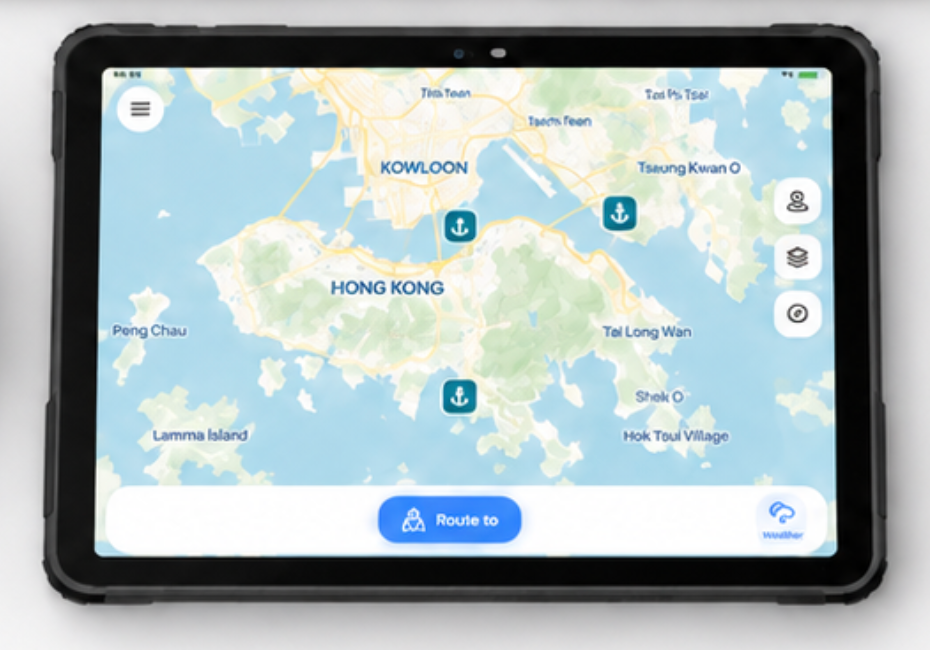
Consider a separate screen for the place you navigate from.
Explore Display on its own as a hardware choice or together with AVG1.
Check supported app versions, connection, power and mounting before ordering.
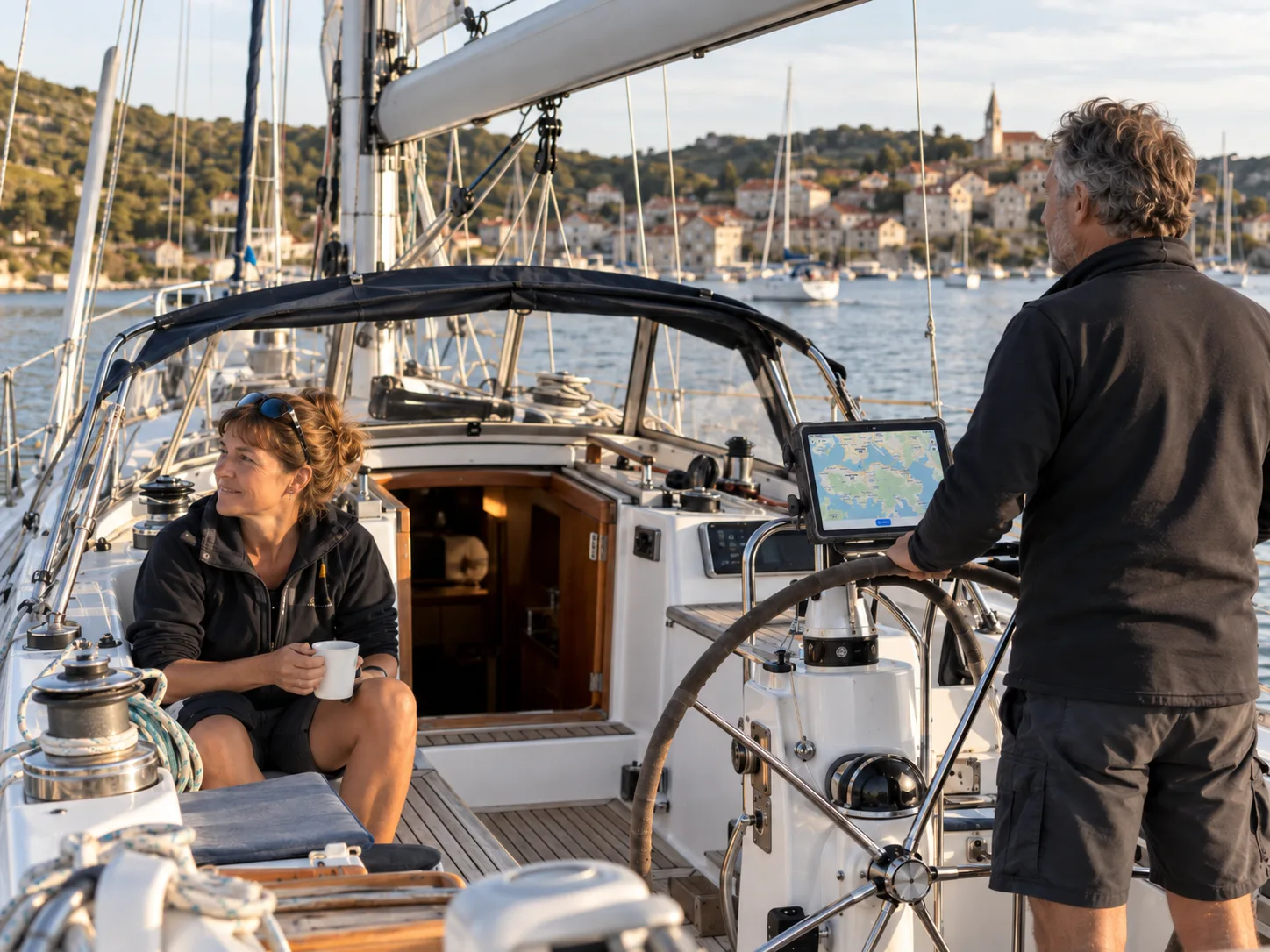
A view at the helm
Some boaters start with the phone they already carry. Others want to explore a separate screen at the helm. Display is FJD Marina’s screen option within the FJD Marina product family.
Screen size, brightness, protection rating, power input, operating system and independent-use conditions have not yet been published for this hardware version. Confirm them before choosing a setup.
Ask about the Display versionYour viewing setup
Start with the information you want to see and where you will use it. Then check the exact compatibility and installation requirements.
FJD Marina App can use your phone’s location without buying hardware. Confirm platform support and chart coverage first.
Consider Display as a hardware choice for your setup. Confirm which app version and position source it supports before ordering.
AVG1 adds positioning and received AIS information to the FJD Marina App system. Confirm how the exact Display version connects to that setup.
The details that matter
A useful screen must fit both your navigation workflow and your boat. We will publish detailed specifications when they are verified.
ViewingScreen dimensions, resolution, brightness and controls for the hardware version.
InstallationMounting position, power, connectors and what is supplied.
SoftwareSupported FJD Marina App version, chart coverage and any independent-use conditions.
CombinationExact compatibility with AVG1 and with devices you already own.
Display questions
Display is a separate product choice, but its independent-use conditions and exact software compatibility still need confirmation. Ask about the hardware version you are considering.
No. FJD Marina App can begin on a supported phone. Display is an optional hardware choice.
We have not published verified screen, power, protection or connection specifications for this version. Contact the team for the current product details.
Talk through your setup
Tell us about your boat, where you navigate and whether you plan to use AVG1. We can help identify the exact Display details you need to check.