FJD MARINA
FJD MARINA

A little more freedom.
A clearer way to navigate.

About FJD MarinaSupportContact

FJD Marina App

Know where you are.
Keep the voyage in view.

FJD Marina App brings your position, charts and essential navigation information together. Begin with a supported phone, then add onboard data when your boat and plans call for it.

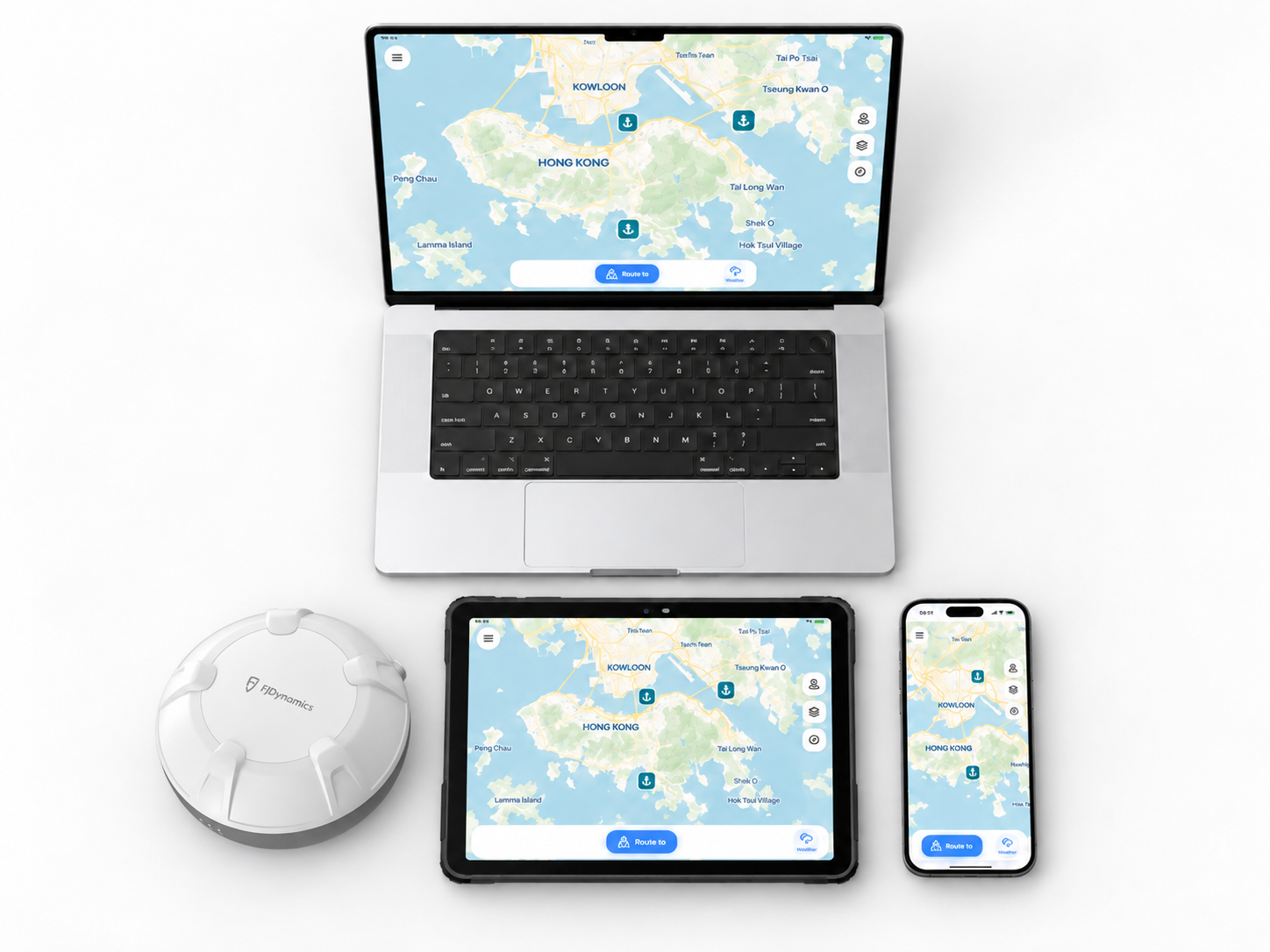
Presentation image of a laptop showing a map interface
Presentation image of a phone showing a map interface
The laptop is a presentation mockup, not a confirmed supported platform. Check current device availability.

Position in context

See your position on supported charts using your phone location or a connected AVG1.

Course and speed

Keep course over ground and speed over ground in view. Route features depend on your app version.

Begin with your phone

AVG1 is optional. Check platform and chart availability for your boating area.

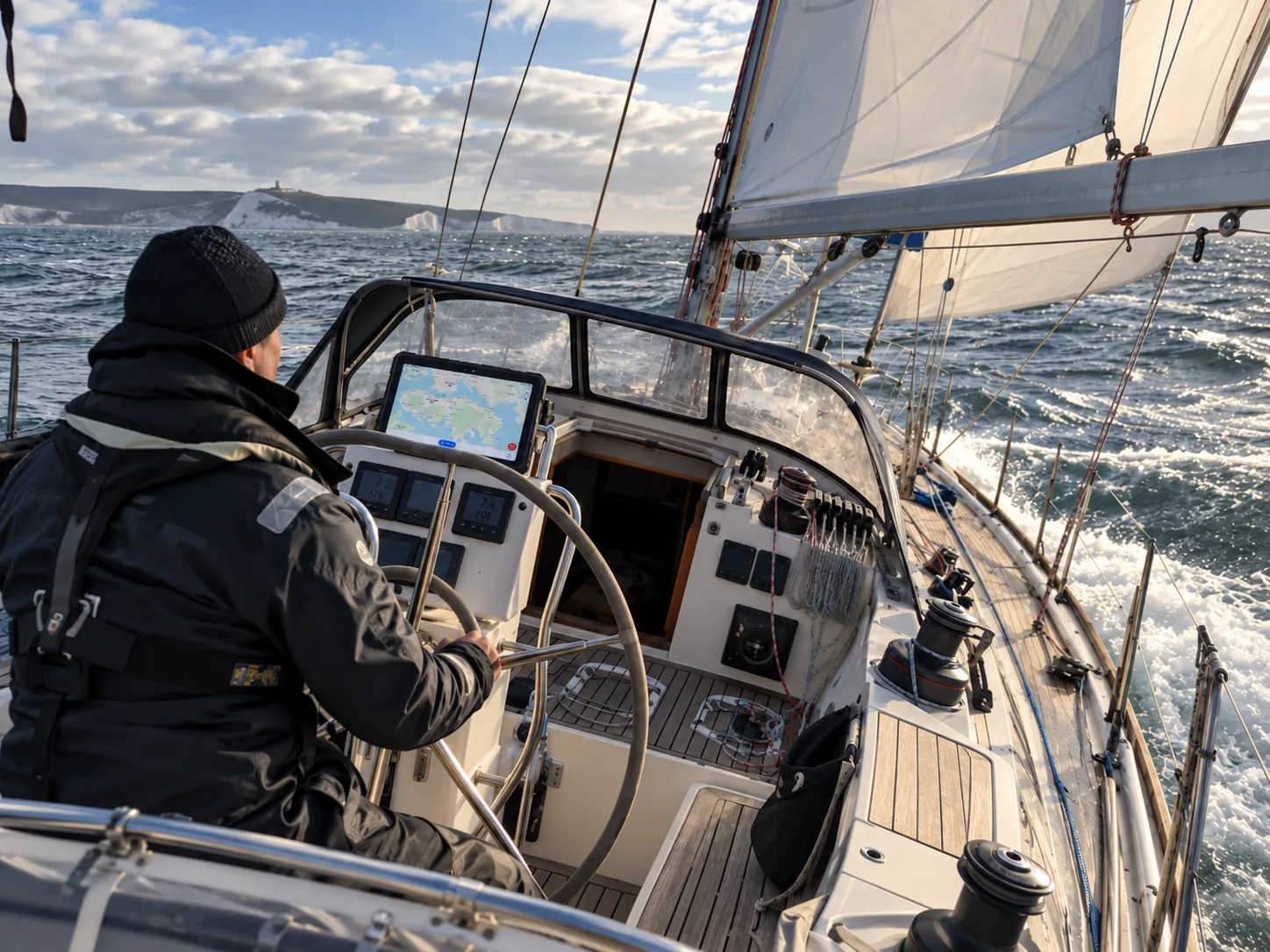
A sailor checking a chart display while steering in open water
Illustrative sailing scene. Equipment and screen details are conceptual, not a product demonstration.

A voyage in view

Useful information at each moment.

FJD Marina App is built around the questions that come up before, during and after a trip. The available tools depend on your app version, waters and data sources.

  1. Before you leaveCheck chart coverage and your position source. Review weather information where a supported service is available.
  2. Under wayFollow your position, course and speed on a supported chart. Route display depends on the app version; keep an eye on whether readings are current.
  3. After the tripWhere trip recording is available in your version, revisit a basic record of position, time, course and speed.
Choose your source

Start simple.
Add what you need.

The App and the onboard module answer different needs. You can explore FJD Marina App without installing hardware, then decide whether onboard positioning and local AIS reception belong in your setup.

01 / Phone

FJD Marina App on your phone

Use the phone’s location for your own position, with the charts and features available to your app version. This is the lowest setup step when you want to explore the navigation view.

Needs a supported device, location permission and chart coverage for your waters.

02 / Phone + AVG1

Add an onboard source

When AVG1 is connected and selected, FJD Marina App can use its positioning data and show AIS broadcasts received by the module. The App remains your view of the information.

Needs AVG1 installation, a working connection and received AIS signals.

See what AVG1 adds

Before you rely on a reading

Know what supports
your view.

A calm screen is most useful when you can tell where its information came from and whether it is current.

Charts for your waters

Coverage and offline availability vary by area and version. Confirm the chart area you need before a trip.

A valid position

Location access, an active source and current data are needed for a reliable position display.

Feature conditions

Weather needs an available service and connection. Anchor monitoring depends on valid positioning, permissions and supported background operation.

Good to know

Questions before
you get started.

Do I need AVG1 to use FJD Marina App?

No. A supported phone can provide your position. AVG1 is an optional source of onboard positioning and received AIS information.

Will the App show every nearby boat?

No. Local AIS information requires AVG1 and depends on signals the module receives. Not every vessel transmits AIS.

Can I use it offline anywhere?

Offline chart use depends on supported content already available on your device. Confirm coverage and offline conditions for your exact area and version.

FJD Marina App

Explore your next voyage.

Discover the FJD Marina App experience and check device and regional availability before your next trip.